Vehicles
Under More… → Vehicles, admins manage the company's vehicles and trailers. You pick from these vehicles in work orders.
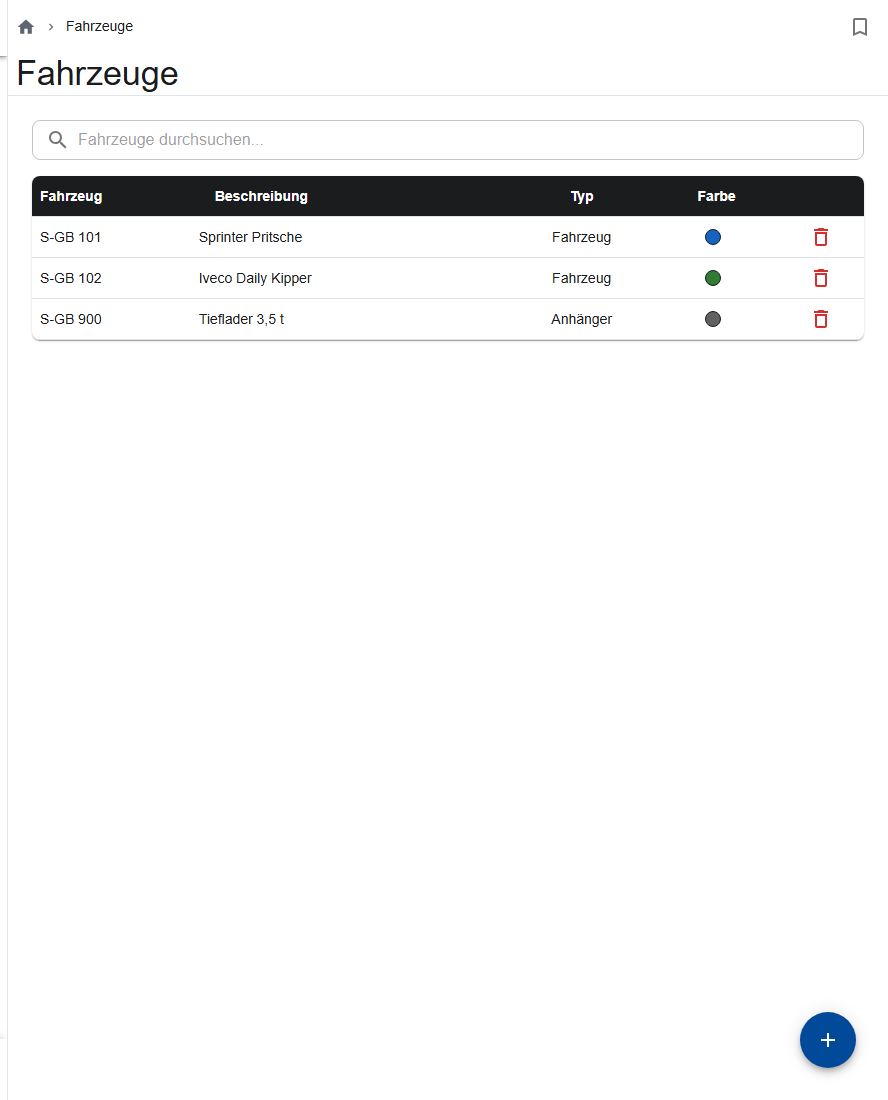
Creating a vehicle
- Tap Create vehicle.
- Enter the License plate (required), Vehicle color, Description and Type (vehicle or trailer).
- Optional: under Assigned employee, choose who drives the vehicle. They see it under My vehicle.
- Enter Main inspection (annual) and Safety inspection (semi-annual) as month and year.
- Optional: add the tools in the vehicle under Equipment list.
- Save.
Renewing the inspections
When an inspection is due in less than 7 days, the Vehicles menu entry turns orange, and red after that. After the inspection, tap Renewed in the vehicle; the app sets the next date.
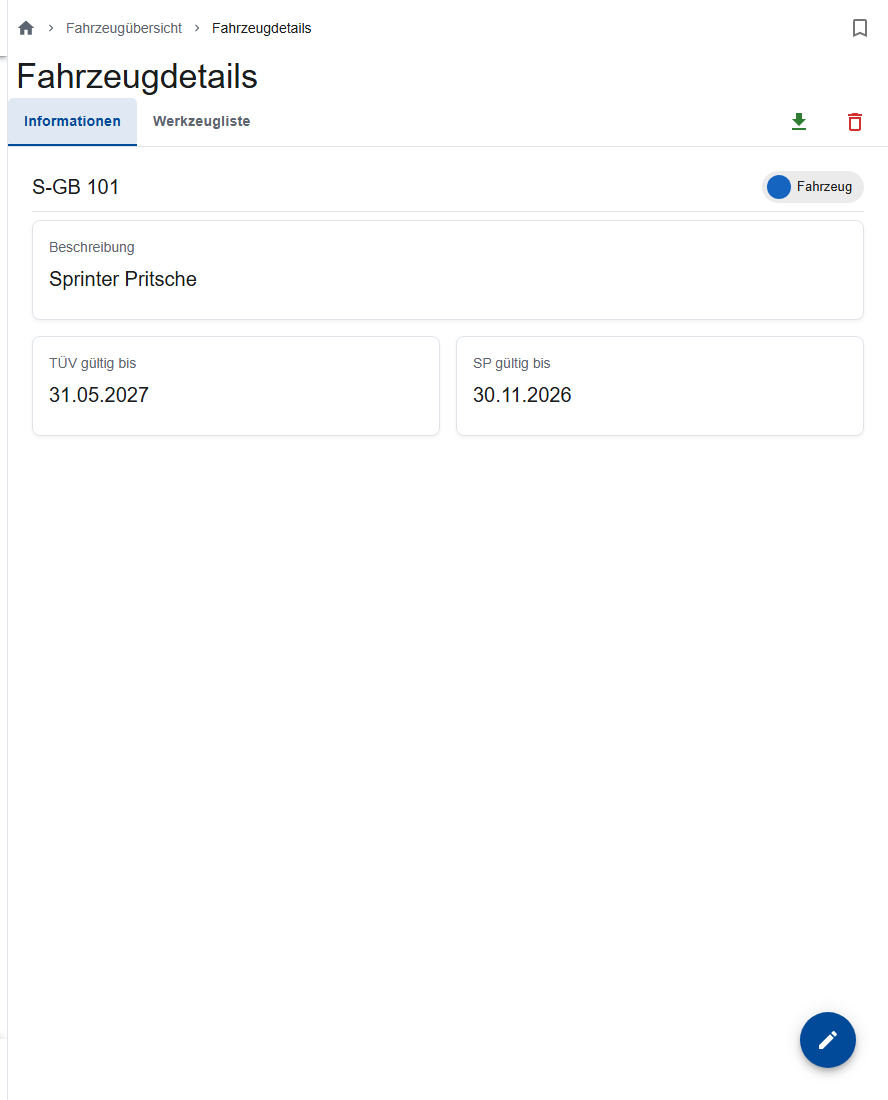
My vehicle
Employees without the Admin or Site manager role who have a vehicle assigned see it under More… → My vehicle: the inspection dates and the tool list, read-only.
Good to know
A work order remembers the vehicle's name. So don't rename vehicles, or older orders won't match them anymore.