Announcements
With Announcements you inform all employees or certain groups, for example about a company holiday or new rules. Only admins can write them. Employees see them after starting the app and under More… → Announcements (Calendar and more).
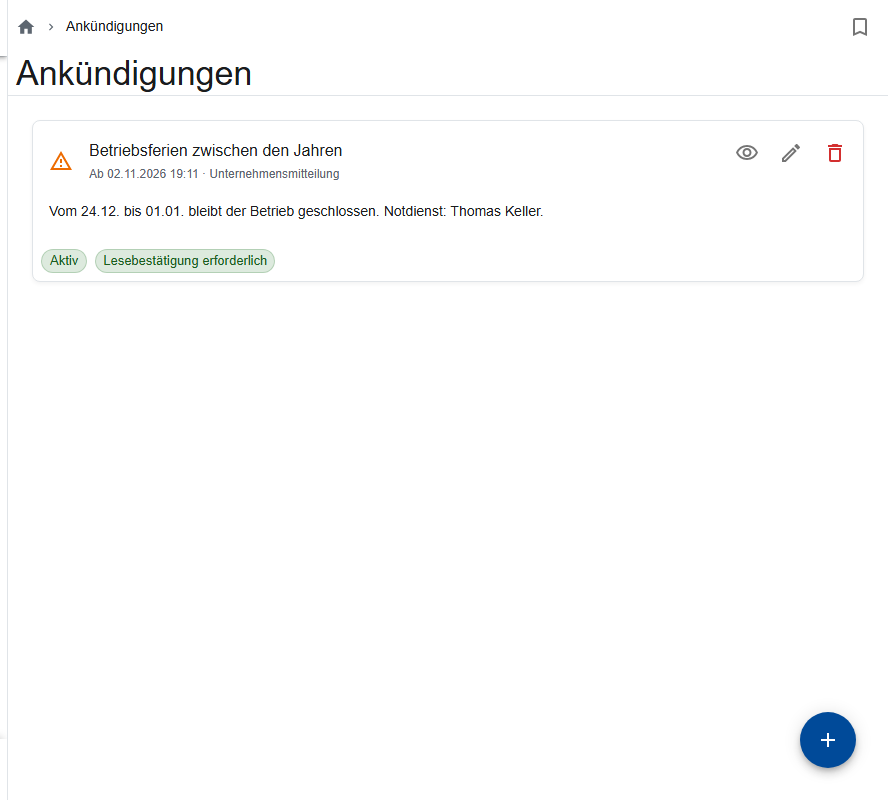
Writing an announcement
- Open More… → Announcements → New announcement.
- Enter the Title and Text and choose the Importance.
- Choose Show from and, if it should end, Show until.
- Switch on Read confirmation required if you want to know who has read it.
- Optional: under Hidden for roles, choose who shouldn't see it (for example the warehouse, if it only concerns the crew).
- Leave Active switched on and save.
Checking who has read it
For announcements with a read confirmation, Read status shows who has Read it and who has Not read yet.
Editing and deleting
- If you change the title or text, the announcement appears to everyone again and has to be confirmed again.
- Delete hides it for everyone.
- You can't edit General announcements from us.